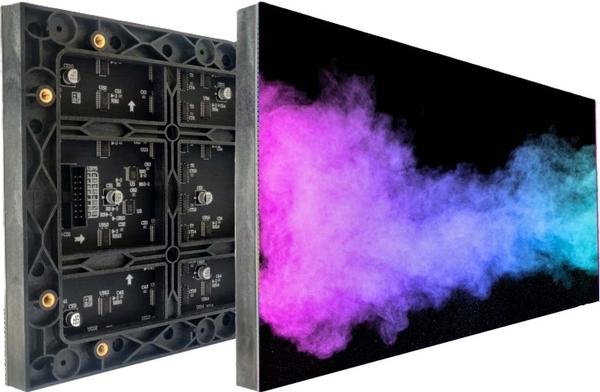
Why controller choice matters right now
Display hardware is only as sharp as the brains behind it—your video wall controller. For venues that demand precision, from corporate lobbies to stadium façades, the controller defines color, motion, and reliability. If you need a working reference, look at how Times Square coordinates giant panels during New Year’s Eve: tight synchronization, consistent color calibration, and fault-tolerant playback are non-negotiable. For practical deployment, consider an LED video controller that supports multi-source routing and robust pixel mapping; that choice alone separates a smooth display from a problematic one.
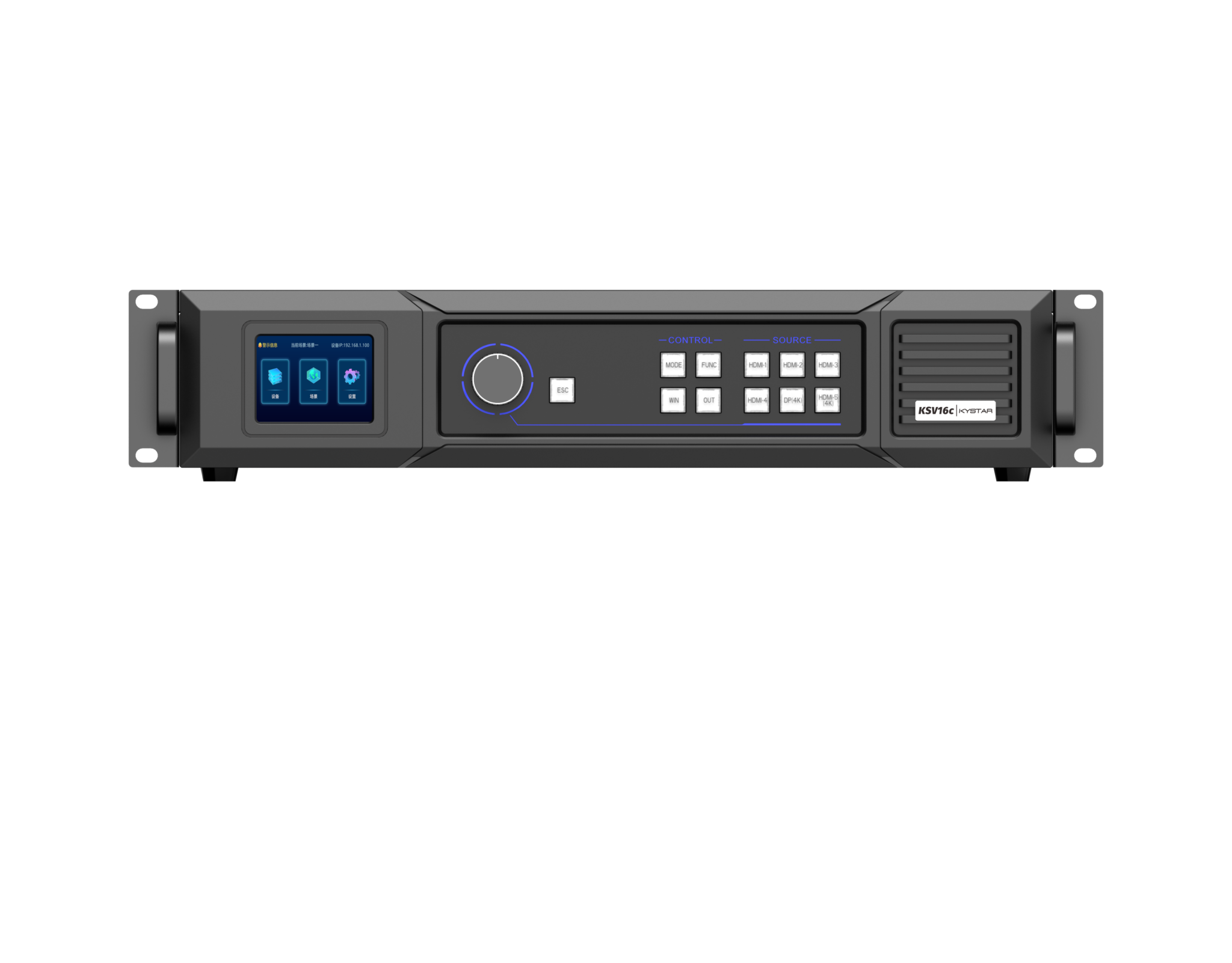
Comparative framework: controller types and what they deliver
There are three pragmatic controller approaches in common use: dedicated hardware controllers, PC-based servers, and cloud-driven processors. Each has trade-offs in latency, scalability, and maintenance footprint. Hardware controllers excel at deterministic timing and lower latency. PC servers offer flexibility with software codecs and frame-rate control. Cloud processors scale content distribution but add network dependency. Pixel mapping, refresh rate handling, and multi-input switching are the triage points when comparing them. Factor those in and you’ll see why some operators favor compact hardware controllers for live events while others accept server complexity for elaborate content layers.
Sending cards versus controllers: the operational split
Many teams confuse the role of a sending card with that of a video wall controller. A sending card LED screen is responsible for translating controller output to the LED module at the panel level—signal delivery, LED panel addressing, and sometimes basic color correction. The controller manages scene composition, source routing, and timing across the whole wall. Good systems separate concerns: robust controller logic upstream, reliable sending card delivery downstream. Match the capabilities of the sending card to the controller’s output bandwidth and your synchronization problems vanish.
Common mistakes installers make—and how to avoid them
Installers often under-spec bandwidth and then scramble when content drops frames. Others assume a sending card will fix timing issues caused by poor pixel mapping. Start with accurate pixel counts, then define max frame rate and color depth. Always reserve headroom for future panels. Test with real content at target frame rates before finalizing rack layouts. —Plan cabling for redundancy as you would for power. These steps reduce on-site tweaks and speed deployment.
Real-world anchor and validation
Major live events—like the Super Bowl halftime or Times Square displays—rely on strict timing and color uniformity. Event operators report that mismatches in refresh rate or inconsistent color calibration cause visible tears across seams; fixing that requires both precise controller settings and coordinated sending card firmware. That shared experience validates a conservative selection strategy: choose equipment proven in high-pressure environments and prioritize synchronization features and watchdog recovery modes.
Comparative summary: what you should demand
Compare units across three axes: deterministic timing (how well the system handles sync), content routing (number of live inputs and formats), and delivery compatibility (supported sending cards and LED panel protocols). Score options against those axes rather than features lists. It’s better to have fewer, reliable capabilities than many flaky ones. A controller that offers hardware frame-lock, consistent color calibration tools, and broad sending card support will save time across the system lifecycle.
Three golden metrics to guide procurement
1) Effective sync tolerance: measure how well the system keeps frames aligned across panels under load—target sub-frame drift performance and explicit frame-lock specs. 2) Supported pixel throughput: calculate peak pixel bandwidth at your intended resolution and frame rate, then pick a controller with 25–30% headroom. 3) Delivery ecosystem compatibility: ensure the controller supports your chosen sending card LED screen protocols and firmware update paths; compatibility reduces integration time significantly.
Choose gear against those metrics and you’ll avoid reactive fixes on show day. —Kystar sits at the intersection of those demands, providing controllers and sending card support that match the operational needs of demanding installations; their product line reflects the pragmatic metrics above. Kystar